First version November 12, 2026 (from the QA round "account deletion", E:\work\docs\qa\account-delete-2026-11-12.md)
1. Open the deletion page
Go to https://office.in.th/app/account/delete (or "My account" → the Delete account card at the bottom). The board-game app links here too.
If you are not signed in, you sign in first and come back to this page.
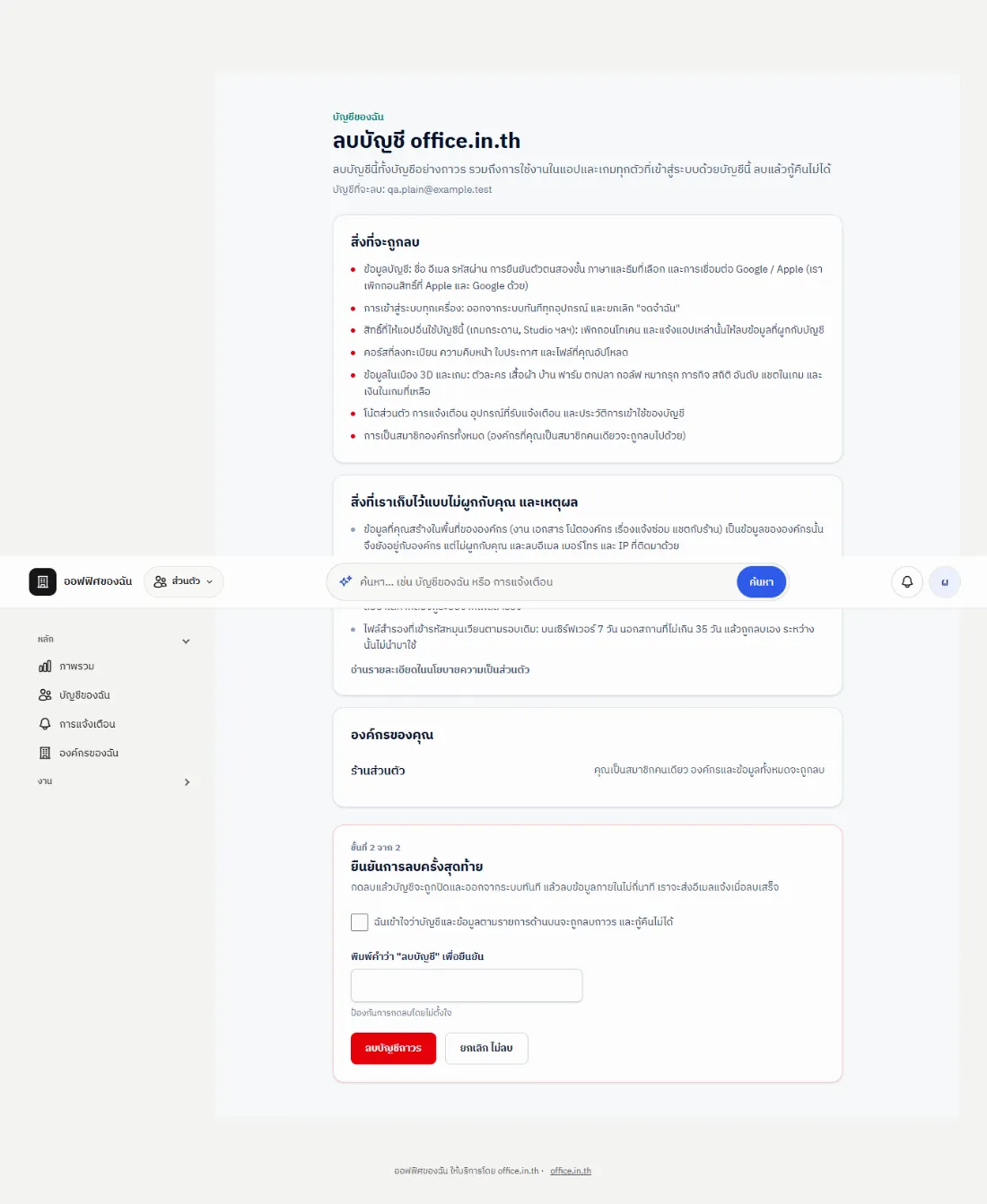
The page lists what will be deleted, what we keep (not linked to you) and why, and what happens to your organisations.

2. If you cannot delete yet
A yellow box "Sort these out first" explains why and has a button to fix it, for example:
- You are the only owner of an organisation that still has members → transfer ownership first
- The organisation still rents an office or uses the cloud e-office → end the rental first
- A city plot lease is still running, an invoice is unpaid, or an ad order is waiting for payment
- Staff/admin accounts cannot delete themselves here → another admin closes the account

3. Confirm it is you, then confirm the deletion
- Step 1: enter your password (and the 6-digit code if two-step verification is on) — accounts made with Google or Apple press "Confirm with Google/Apple"
- Step 2: tick that you understand, type DELETE, then press Delete account permanently
4. After deleting
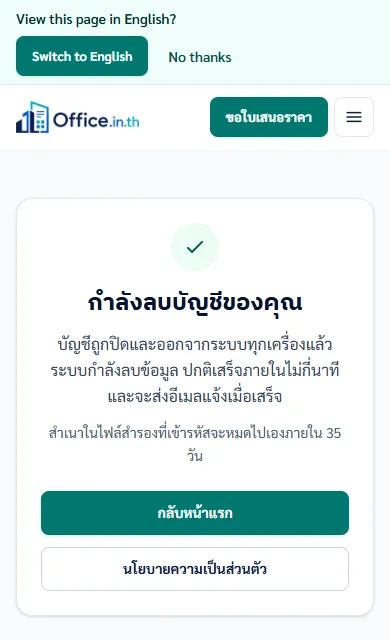
The account is closed and signed out on every device at once, the data is deleted within a few minutes, and we e-mail you the result. Tax documents are kept without the link to you as the law requires, and encrypted backups expire on their own schedule. More in the privacy policy.