
Lifestyle and health

MooLife: horoscope and tarot

A daily horoscope app for entertainment: 12 zodiac signs, tarot, lucky colours, fortune sticks and couple readings.

Available iPhone Android

What MooLife: horoscope and tarot does

MooLife is an iPhone horoscope app with daily, weekly and monthly readings for all 12 signs, plus tarot, Thai fortune sticks and lucky clothing colours. Check compatibility from sign and birthday, share the result as a card and set a morning reminder. MooLife is for entertainment and self-reflection; it does not predict the future.

Who it is for

People who enjoy horoscopes and tarot and like a short daily reading as encouragement.
Key features

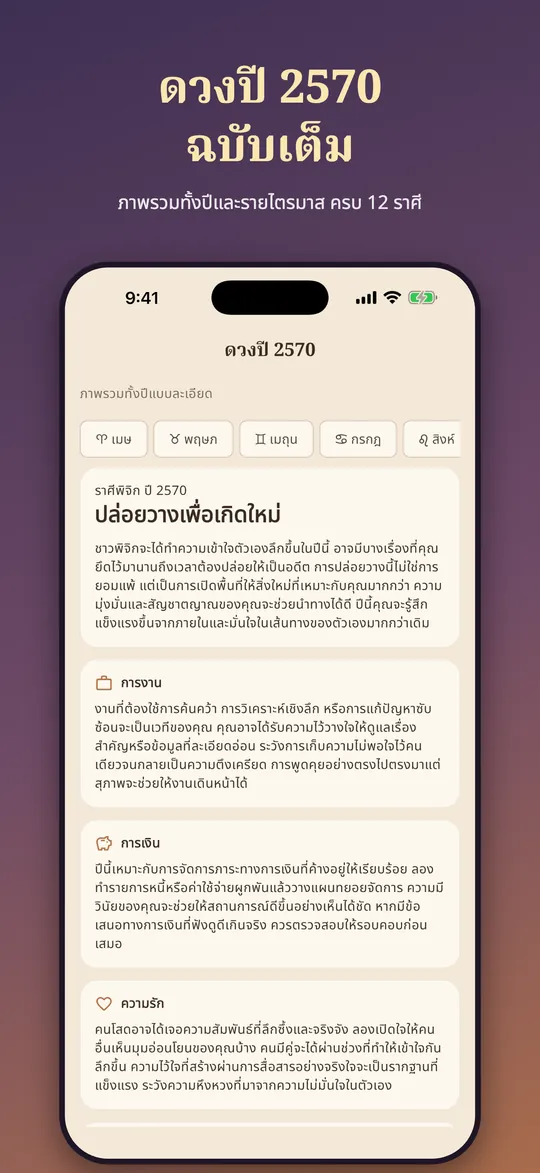
  • Daily, weekly and monthly readings for 12 signs, with a yearly overview
  • Daily card and a 3-card tarot spread with meanings for all 78 cards
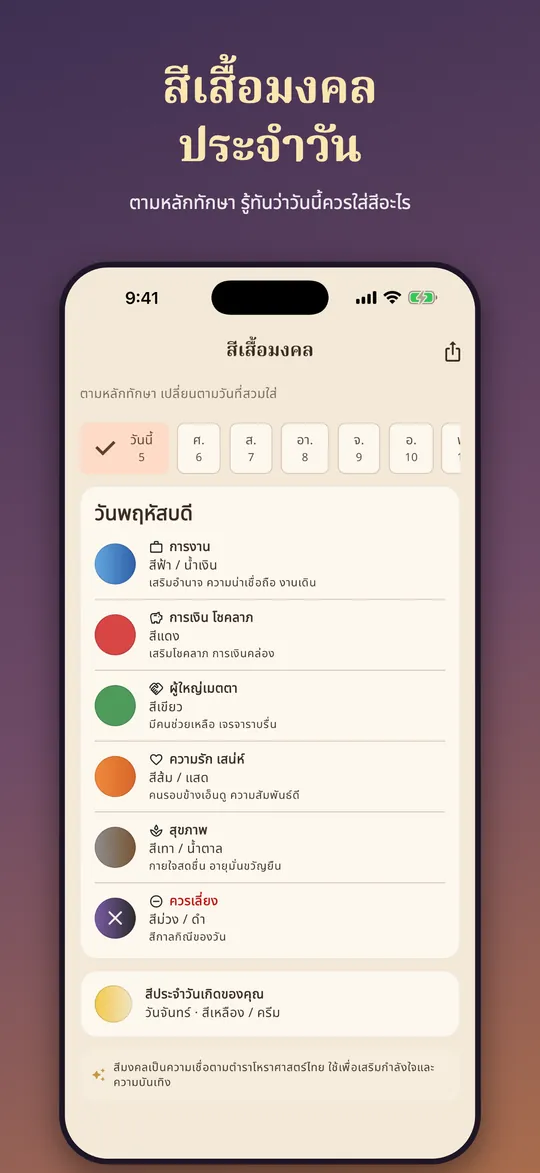
  • Daily lucky clothing colours by the Thai Thaksa tradition, with colours to avoid
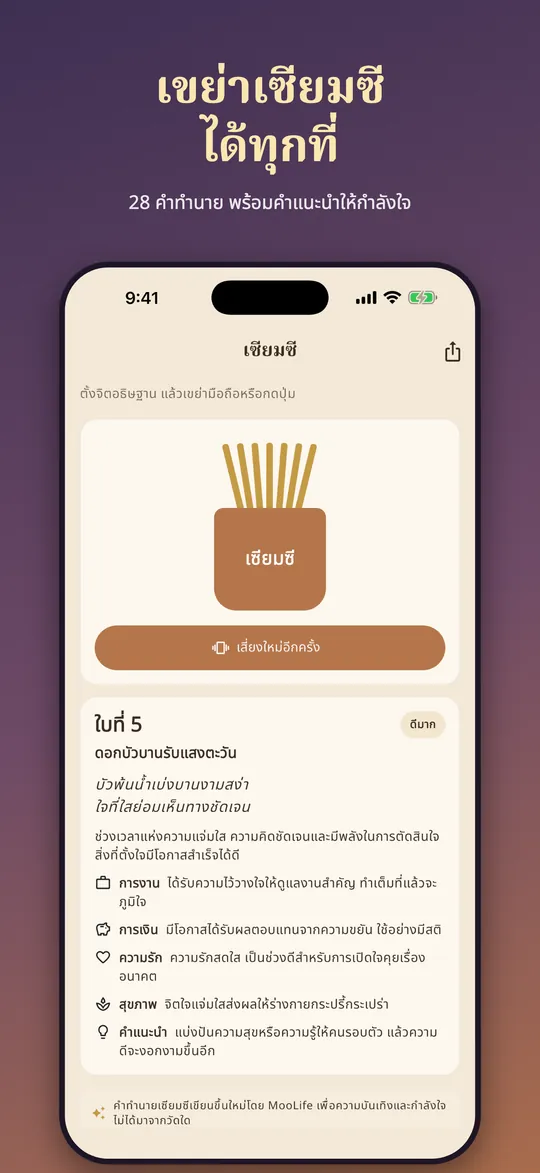
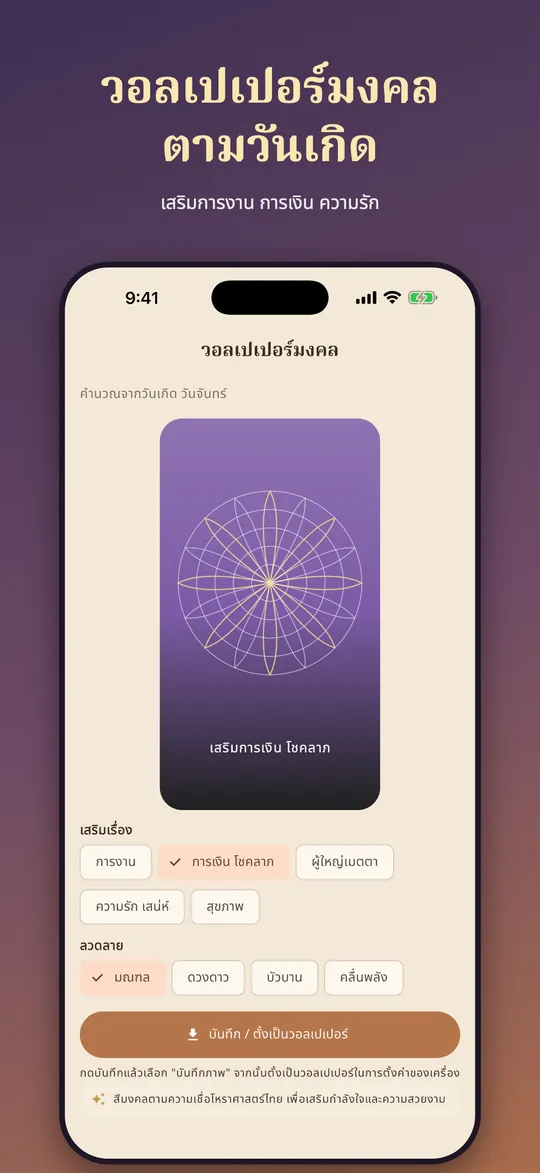
  • Shake your phone for one of 28 fortune sticks; lucky wallpapers from your birthday colour
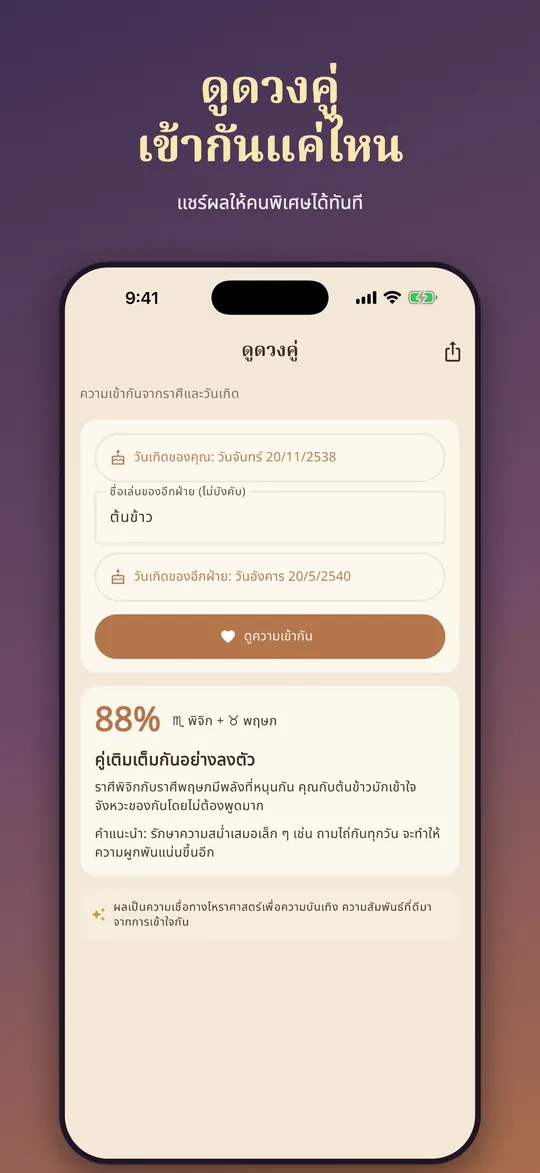
  • Couple compatibility, shareable cards, numerology, an AI fortune teller and a mood log

App windows

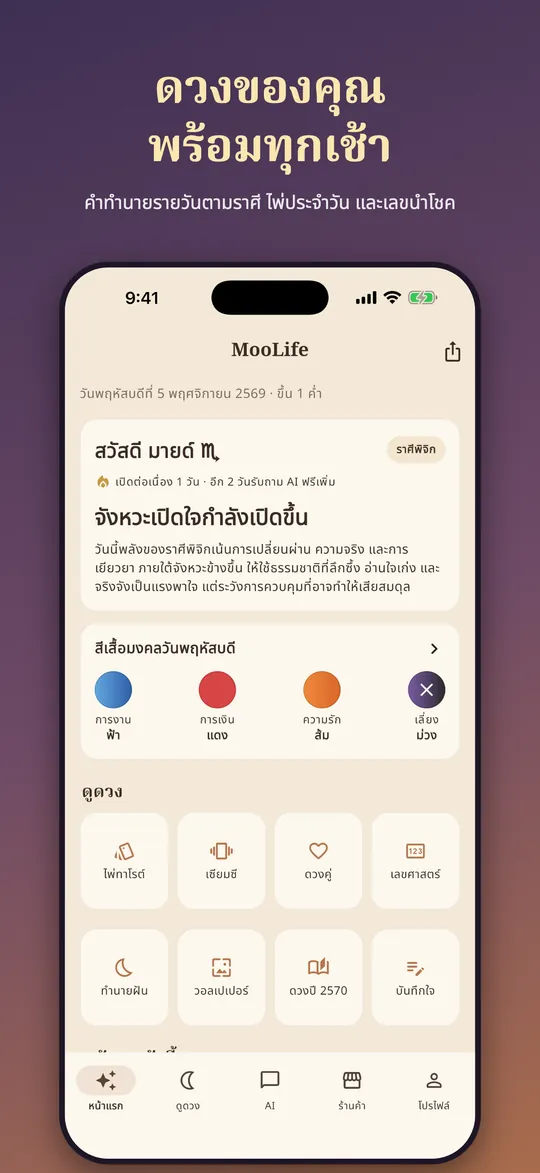
  • MooLife home: today's reading and lucky colour
    MooLife home: today's reading and lucky colour
  • MooLife daily lucky colours
    MooLife daily lucky colours
  • MooLife fortune sticks
    MooLife fortune sticks
  • MooLife couple reading
    MooLife couple reading
  • MooLife lucky wallpapers
    MooLife lucky wallpapers
  • MooLife yearly overview
    MooLife yearly overview

How to use

  1. Download and open the app, choose your sign or enter your birthday so the app picks it (birthday is optional)
  2. The home screen shows today's reading, the lucky colour and shortcuts to the tools
  3. Tap "Lucky colours" to see the supportive colours and colours to avoid for each day of the week
  4. Tap "Fortune stick", make a wish, then shake the phone or tap the shake button to read your stick
  5. Tap "Couple reading", enter both birthdays and tap to see compatibility; share it as a card
  6. Open a 3-card tarot spread, or pick a lucky wallpaper from your birthday colour (set your birthday in the profile first)
  7. Turn on the morning reminder to receive each new day's reading

Frequently asked questions

Can MooLife really predict the future?
No. MooLife is for entertainment and self-reflection, and is not medical, financial or legal advice.
Do I have to enter my birthday?
No, you can pick your sign. With a birthday you can also use lucky wallpapers and couple readings.
Is there an Android version?
It is on the App Store for iPhone now. Google Play is coming soon.

A private period tracker with a cycle calendar, estimated ovulation days and a PDF report for your doctor.

  • iPhone
  • Android

POSsme cloud POS

Available

Cloud point-of-sale for retail stores, cafes and restaurants, right in the web browser.

  • Web browser

See all apps

Want to start or have a question?

Our team can help with setup and getting started.